You turn your Acura RDX's fan up, but barely any more air reaches you. If the manual speed setting no longer changes the airflow, the blower or its controls may need repair. A clogged cabin filter can also restrict air even while you hear the fan speeding up. At Driven Auto Care of San Ramon, we help Danville owners with both problems. Describing what happens when you change the fan setting gives us more useful information than saying only that the AC feels weak.
Try The Manual Fan Setting While Parked
Automatic climate control changes fan operation as the cabin approaches the selected temperature. Reduced fan speed can be part of that normal adjustment. Selecting a manual speed lets you compare how the blower responds to your request. Use the controls described in your RDX's manual and make the comparison while safely parked, through an open outlet. Listen for a change in fan sound as well as feeling the air. If the display changes but the blower stays at the same speed, its control circuit needs checking. A working display alone cannot establish that the motor received the request.
The Blower Needs Power And A Speed Command
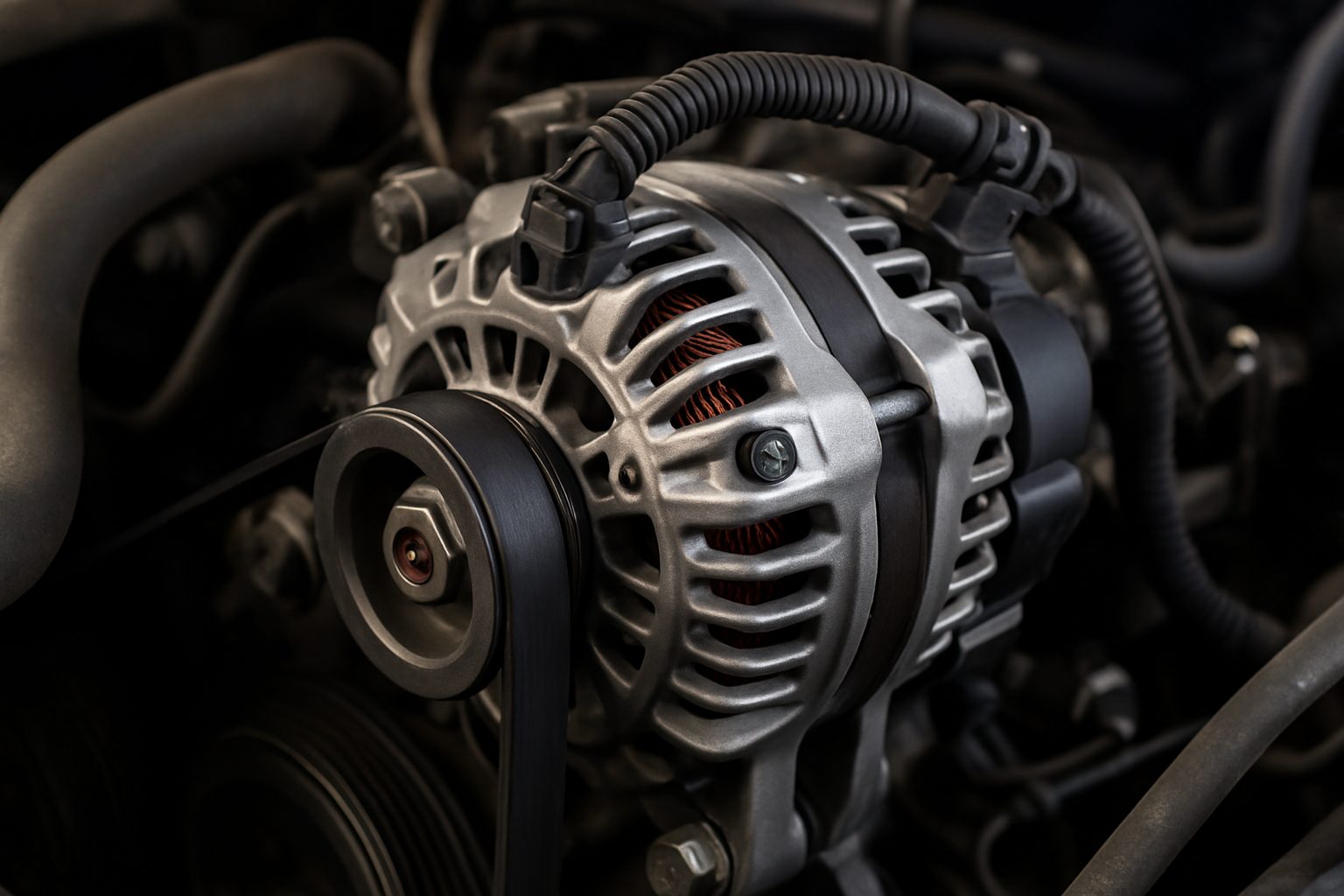
Inside the blower assembly, an electric motor turns a fan that pushes air through the climate unit. Its supply circuit provides power, while the speed-control system regulates how it runs. Depending on the failure, the blower may stop completely or remain at one output. Checking power and the requested speed helps separate a worn motor from a control or connection fault. A motor with no electrical supply cannot turn, even if the motor itself is sound. We can trace that interruption and repair the affected connection. Replacing the blower first would leave the missing supply unresolved and the vents just as weak.
A Loaded Filter Can Restrict Blower Airflow
The cabin filter traps airborne debris before it reaches the ventilation system. As material accumulates, less air can pass through. You may hear a stronger rush from the blower at a higher setting while feeling little improvement at the outlet. Checking the filter reveals whether that restriction is present. Replacement restores the open path when a loaded filter is the cause. Correct seating in the housing also matters; gaps can let unfiltered air bypass the material. Our maintenance service includes cabin filters, so restricted ventilation can be addressed along with any separate blower fault found during the visit.
Air While Moving Doesn’t Prove The Fan Works
Vehicle movement can push some air through the ventilation system, depending on its settings. That small amount can disappear when you stop, even though the controls haven't changed. Comparing airflow while parked helps reveal whether the blower itself is operating. Intermittent operation also needs checking because a motor or connection may work again by the time you arrive. Tell us if the air disappears at stops or returns without a setting change. Leave the blower housing closed and keep away from moving components. The electrical checks belong at the shop, where the assembly can be inspected safely.
Strong Warm Air Needs Refrigeration Checks
Air passing over the evaporator loses heat before it reaches you. Too little movement limits how much cooled air enters the cabin, even when the refrigeration system is operating. A strong stream that stays warm raises questions about refrigerant circulation or temperature controls instead. Both complaints can occur together. Restoring a stalled blower may improve airflow while a separate refrigerant leak still prevents cooling. Our AC work covers the air-moving components and the refrigeration system, with the repair based on what has failed. Let us know if the air feels warmer as well as weaker than before.
Get Your RDX’s Fan Responding Again
Call (925) 830-4701 to arrange Acura RDX AC service with Driven Auto Care of San Ramon. We serve Danville drivers from our San Ramon shop. If a higher fan setting has stopped bringing more air into the cabin, we can find the restriction or electrical fault and explain the work needed to restore that response.