MONITOR PROFILING
Do you believe your monitor? Really? The images you are looking at are displayed in RGB (Red, Green, Blue.) But it needs to be said, if you haven't calibrated your computer monitor, the colors it displays could be skewed, and the photo on the screen won't have the colors displayed correctly. The reds could be presented a bit dark, or everything could be shifted off the true mark.
To prove it, print the image on your screen to your color printer, and see how close they are...they probably won't be. This really needs to be understood when it comes to printing. Simply put, printers don't use RGB standards...they use (CYMK, or Cyan, Yellow, Magenta, Black). The colors on your screen probably won't be a dead on match with what comes off the Printer.
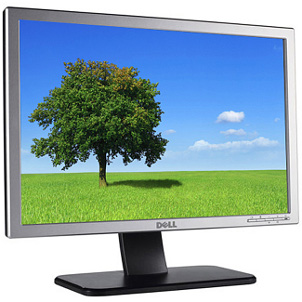 The only way to achieve predictable results is to profile your computer monitor. The way we do that is by using a spectrophotometer, or a device that can measure colors on the monitor, and adjust them to display correctly.
Here is an older post that might give you a little more insite to this subject of monitor profiling: http://www.earthboundlight.com/phototips/color-management-monitor-profiling.html
Thanks for reading....I hope this helps!