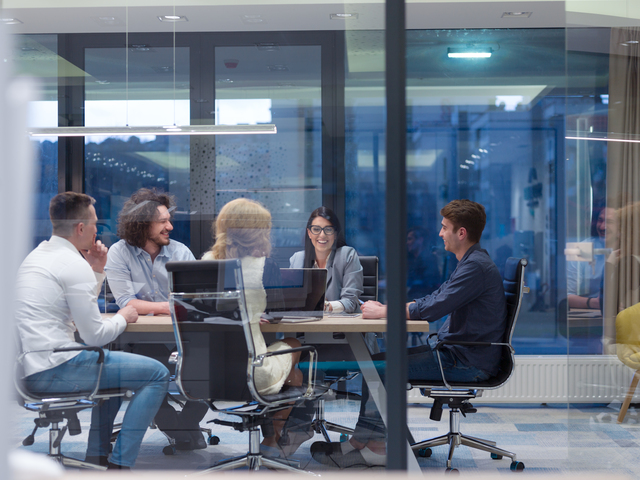
Ergonomics of a multi-user workstation is performed differently than individual dedicated computer workstations. A trained ergonomic specialist should be able to assist a company with this properly. A multi-user computer workstation is one to which more than one employee will all have to, at some point, use the same computer workstation as another. Typically not at the same time, but on a different shift. So why are the considerations so different for this type of computer workstation. Well, each employee will have differing stature, heights and lengths of body parts, and techniques/habits. Each user may have specific preferences and accommodations that are needed. Maybe they have had a repetitive motion injury in the past to which an ergonomic specialist has recommended a very specific set of devices (esp. mice, keyboard, and chair). This brings complication when combining multiple peripheral recommendations into a single computer workstation. So it is of upmost importance when setting up a multi-user workstation to allow for slight exceptions to what would be considered normal at an individual computer workstation.
The most important consideration is to implement a high level of adjustability. This will allow for capture of the greatest population of users. For starters, typically monitor arms are not indicated for a single user workstation, however, for a multi user workstation they are usually a need. Providing lockers or an area where employees can stow equipment unique or dedicated to them, might be a good idea. It’s typically also a need to provide a height adjustable foot rest. Also, if at all possible, provide a hight adjustable desk or if the desk is not able to be an electric standing desk, add a keyboard tray that has both height and tilt adjustability.
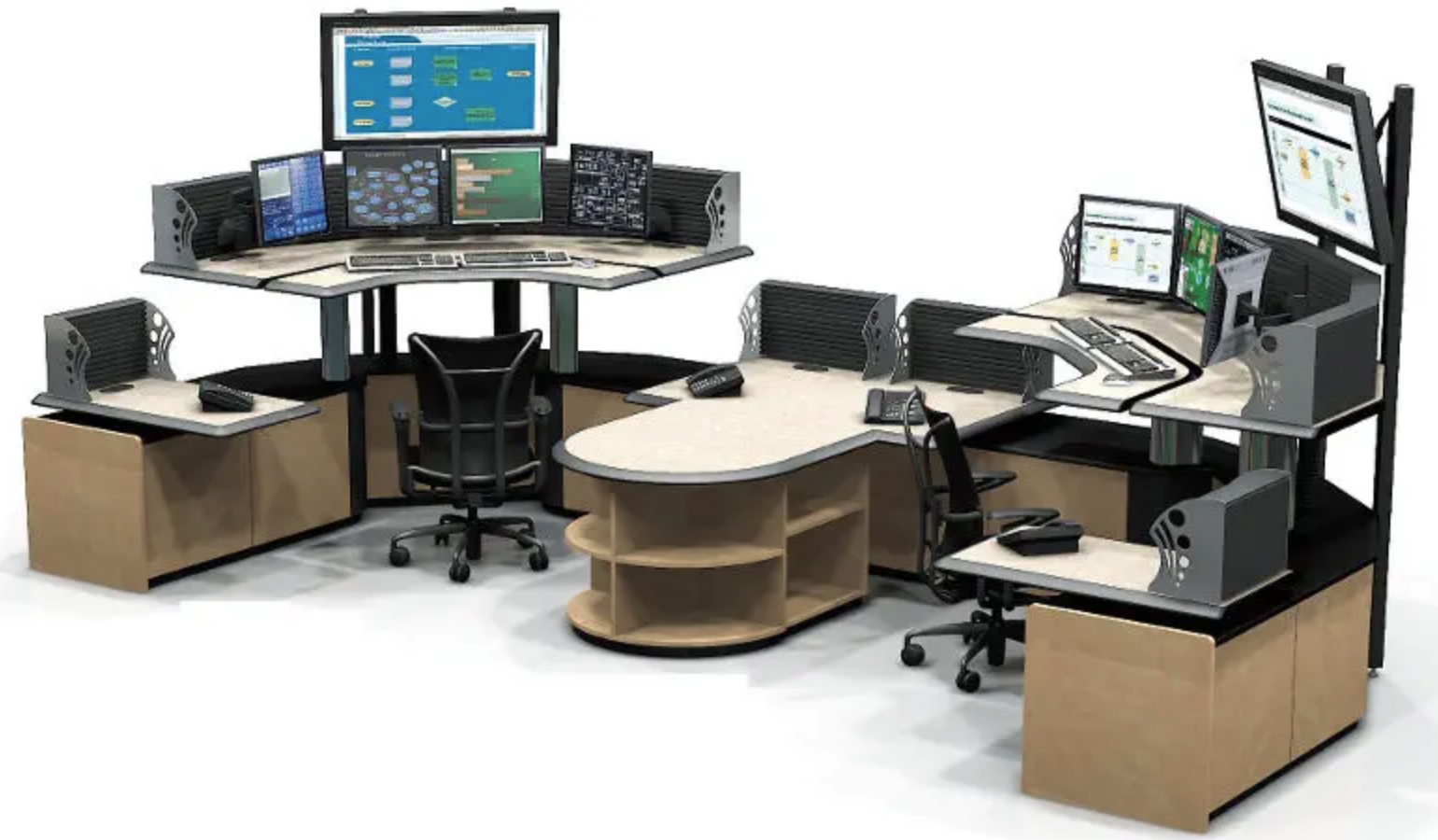
For multi-user computer workstations, select a chair with a multi-tilt mechanism which is midsize with height and width adjustable armrests. If at a single long desk, there is only a single multi-user computer workstation this is fine. However, if there are multiple multi-user computer workstations at the long desk, it is a best to have a majority of the chairs be mid-sized and have a couple extra small, smaller and larger sized chairs available.
If you need assistance with a control room setup such as the Oakland Airport, or a receptionist desk of a high technology company in the East Bay Area you should discuss your need with an ergonomic specialist. Ergobility has some of the best that are very responsive and experienced.