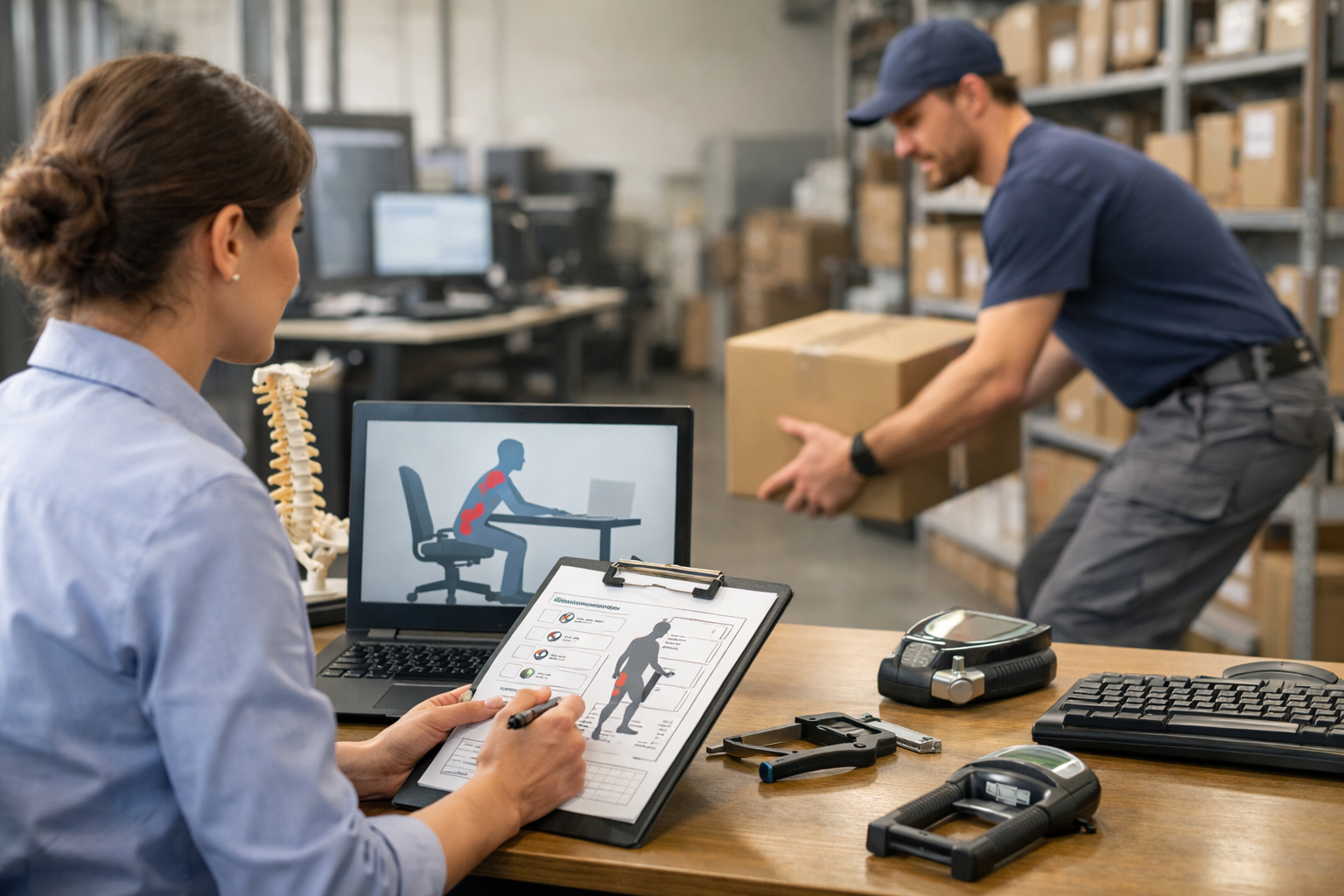
 The software is an interactive guide that step by step goes through the proper fit of the workstation. It covers all the features of the computer workstation and how each interact with each other. A great feature about the software is that employees can start and stop and continue at the convenience of their schedule. They never feel pressured to complete it in a set amount of time. If they need assistance with anything they can always reach out to their manager, human resources, facilities, or an available ergonomic consultant. This way they at least begin to understand the basics and problem solve independently to gain a bit of understanding of the workstation fit challenges. If they have any physical discomfort related to working at their computer workstation, it is advised to get prompt assistance from an ergonomic consulting specialist. This way the progression of any sort of cumulative disorder such as tendonitis or carpal tunnel syndrome can be addressed right away. If you would like to setup a cost-effective ergonomics program that has self-help software, contact Ergobility today.
Berkeley, CA - Ergonomic Specialist Consultant For Best Ergonomic Evaluations
SYNOPSIS: If you want to empower your remote work force with the tools to properly setup their own computer workstation then use free ergonomic software. It allows employees to identify fit and equipment.
Free software for home ergonomic evaluation setup.
BY: Allen Yagjian, Ergobility LLC
If you are a business or solo-entrepreneur, you probably have thought about having the right equipment to perform a job remotely. You might wonder what equipment would be purchased by the employee and what would be covered by the office. Well, various businesses have different policies that cover this, and the spectrum is large. Some companies offer office grade furniture. Others have allowed employees a stipend and an ergonomic consultation on how to best utilize the stipend. On the other hand, there are a few companies in the Bay Area that have an ergonomics program that allows employees to take a self-evaluation which will prescribe needed basic ergonomic equipment such as laptop stands, footrests, and cushions to adjust their own workstation. If the employee answers the end of self-evaluation survey mentioning that they require further ergonomic assistance, they will be setup with a virtual ergonomic assessment by an Ergobility specialist.
Having ergonomic software at an employee's disposal is an essential part if no proactive ergonomic assessments are offered. This is because an improper setup or use of even ideal furniture without knowledge of the best way to use it can lead to a repetitive strain injury (RSI). Sometimes, the most comfortable way of doing things at a computer workstation does not employ ideal biomechanics and postures. Sometimes employees will end up leaning forwards on the desk, prefer using a mouse not the correct size, or have the displays in a position that causes constant neck bending.
The software is an interactive guide that step by step goes through the proper fit of the workstation. It covers all the features of the computer workstation and how each interact with each other. A great feature about the software is that employees can start and stop and continue at the convenience of their schedule. They never feel pressured to complete it in a set amount of time. If they need assistance with anything they can always reach out to their manager, human resources, facilities, or an available ergonomic consultant. This way they at least begin to understand the basics and problem solve independently to gain a bit of understanding of the workstation fit challenges. If they have any physical discomfort related to working at their computer workstation, it is advised to get prompt assistance from an ergonomic consulting specialist. This way the progression of any sort of cumulative disorder such as tendonitis or carpal tunnel syndrome can be addressed right away. If you would like to setup a cost-effective ergonomics program that has self-help software, contact Ergobility today.
The software is an interactive guide that step by step goes through the proper fit of the workstation. It covers all the features of the computer workstation and how each interact with each other. A great feature about the software is that employees can start and stop and continue at the convenience of their schedule. They never feel pressured to complete it in a set amount of time. If they need assistance with anything they can always reach out to their manager, human resources, facilities, or an available ergonomic consultant. This way they at least begin to understand the basics and problem solve independently to gain a bit of understanding of the workstation fit challenges. If they have any physical discomfort related to working at their computer workstation, it is advised to get prompt assistance from an ergonomic consulting specialist. This way the progression of any sort of cumulative disorder such as tendonitis or carpal tunnel syndrome can be addressed right away. If you would like to setup a cost-effective ergonomics program that has self-help software, contact Ergobility today.