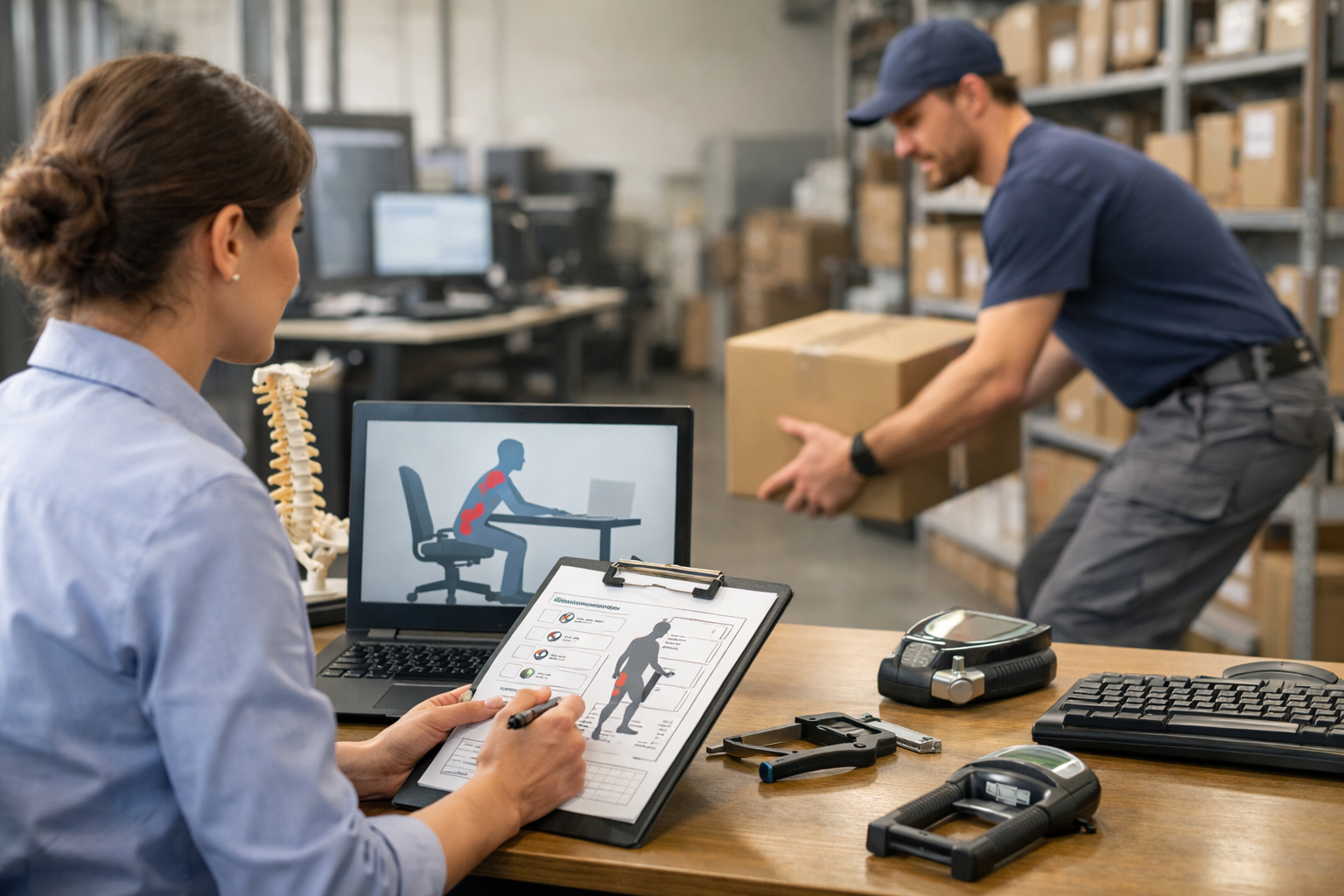
The issues with designing a laptop are plenty since they are designed to be a compact foldable computer workstation. This is why ergonomic specialists do not recommend using a laptop without peripheral devices and a stand. This article will explain this concept further. Ergonomists generally advise up to two hours of work directly on a laptop computer, but this time can be increased if you set yourself up properly.
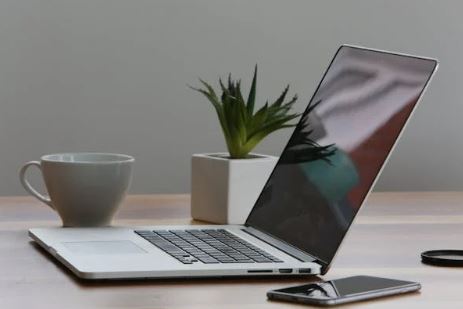
To start, since the display is connected to the keyboard and mouse platform this creates a tradeoff between shoulder flexion due to having the keyboard and mouse too high. The counter is neck flexion which occurs by having the display too low. Therefore, users will attempt to find a middle ground to which there is a bit of each. While one can somewhat achieve this, it is typically not recommended for more than two hours a day.
Secondly, the keyboard is located in front of the mouse. This becomes an ergonomic issue for two reasons. The keyboard ends up too far which encourages leaning onto the desk surface, the front of the desk placed contact pressure on the forearms, and that issue subsequently affects the biomechanics when using the keyboard which ends up encouraging a high level of bilateral wrist deviation.
Lastly, since the keyboard and mouse are not placed lateral to each other this leads to bilateral wrist ulnar deviation with an especially higher level to the hand using the mouse (trackpad). Since this is a similar devotional issues as with use of the keyboard, this has a cumulative effect which can increase the changes of development of a repetitive strain injury (RSI) or musculoskeletal disorder (MSD).
The trackpad is the most difficult type of mouse to use properly as opposed to one which does not need so much stability when operating it. This then encourages planting of the palm in front of the trackpad and pivoting from that point leading to wrist deviational movements especially ulnar deviation and extension. These awkward postures combined with the poor mechanics lead to quite common ergonomic injuries.
There are a lot of exciting ways to decrease risks associated with using a laptop on a bus, plane, or coffeeshop. These techniques involve equipment that can make it easy for us to work more comfortably and safely. If you or your team would like to learn more about laptop ergonomics or how to work on-the-go contact an ergonomic specialist with Ergobility today!