 Active computing encourages greater interactions between users. It empowers the workforce to take part in adjusting their postures and movements. This can lead to some ergonomic challenges if not properly managed properly but can also engage people to participate in an overall culture of ergonomics at work. Ergonomists focus on designing and adjusting workstations that encourage optimal body mechanics. Furniture such as height-adjustable desks, ergonomic chairs are considerations that can allow for adjustments needed for active computing tasks.
Static computing involves passive technology interaction and has its own set of ergonomic needs as well. Extended static computing can lead to ergonomic related disorders and injuries that result in such things as eye strain and neck or back discomfort. Ergonomists recommendations for proper adjustments, lighting, and keyboard/mouse device positioning.
Active computing encourages greater interactions between users. It empowers the workforce to take part in adjusting their postures and movements. This can lead to some ergonomic challenges if not properly managed properly but can also engage people to participate in an overall culture of ergonomics at work. Ergonomists focus on designing and adjusting workstations that encourage optimal body mechanics. Furniture such as height-adjustable desks, ergonomic chairs are considerations that can allow for adjustments needed for active computing tasks.
Static computing involves passive technology interaction and has its own set of ergonomic needs as well. Extended static computing can lead to ergonomic related disorders and injuries that result in such things as eye strain and neck or back discomfort. Ergonomists recommendations for proper adjustments, lighting, and keyboard/mouse device positioning.
Fremont, CA- Active vs. Static Computing: Enabling Workers With An Ergonomist
SYNOPSIS: Learn the differences between active and static computing and the benefits of applying ergonomics to your computer work habits. Provides insight into the subtle differences between the two.
Learn differences in active and static computing
BY: Allen Yagjian, Ergobility LLC
In modern office environments, the differences between active and static computing has gained the attention of the ergonomics community. Ergonomic specialists work to employ the science behind the design of workspaces and utilize the tools that optimize human well-being and comfort. Ergonomics plays the role of enhancing worker productivity as well because when we have the tools to get our work done, the sky is the limit. Pain, on the other hand, can be the consequence of an unideal setup. Also, each setup needs to be customized to each individual so this usually requires a specialist within the company that understands ergonomics. Furthermore, understanding the dynamics between active and static computing with ergonomic principles sparks an empowered and efficient workforce.
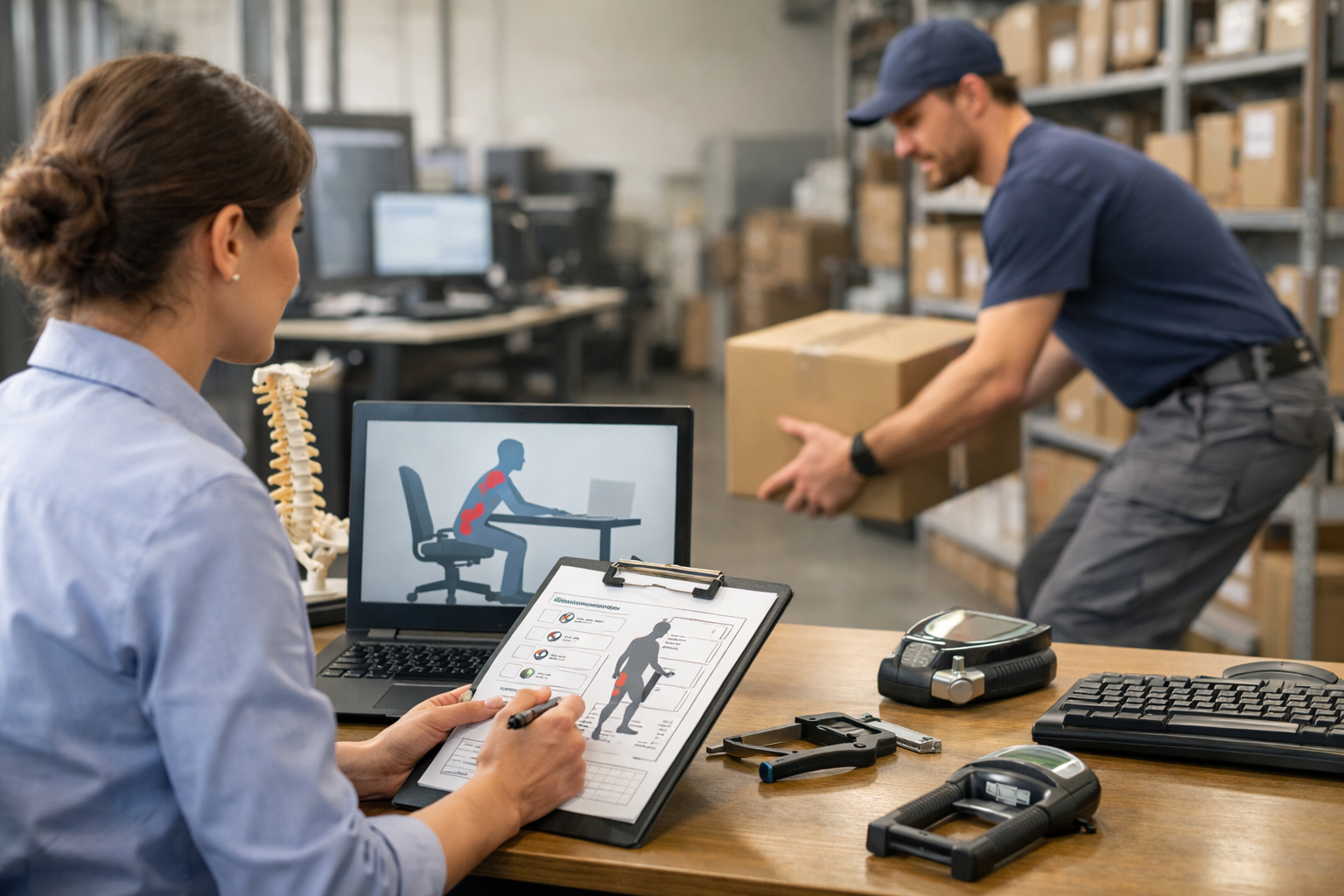
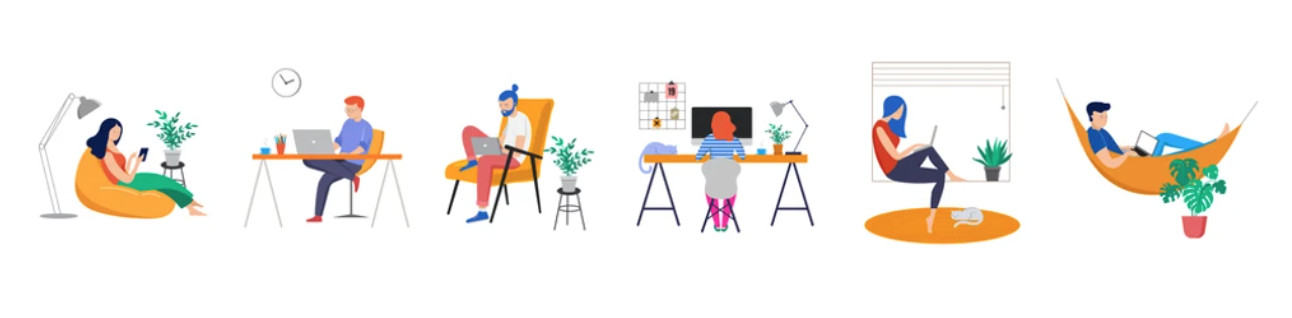
Active computing encourages greater interactions between users. It empowers the workforce to take part in adjusting their postures and movements. This can lead to some ergonomic challenges if not properly managed properly but can also engage people to participate in an overall culture of ergonomics at work. Ergonomists focus on designing and adjusting workstations that encourage optimal body mechanics. Furniture such as height-adjustable desks, ergonomic chairs are considerations that can allow for adjustments needed for active computing tasks.
Static computing involves passive technology interaction and has its own set of ergonomic needs as well. Extended static computing can lead to ergonomic related disorders and injuries that result in such things as eye strain and neck or back discomfort. Ergonomists recommendations for proper adjustments, lighting, and keyboard/mouse device positioning.
Active computing encourages greater interactions between users. It empowers the workforce to take part in adjusting their postures and movements. This can lead to some ergonomic challenges if not properly managed properly but can also engage people to participate in an overall culture of ergonomics at work. Ergonomists focus on designing and adjusting workstations that encourage optimal body mechanics. Furniture such as height-adjustable desks, ergonomic chairs are considerations that can allow for adjustments needed for active computing tasks.
Static computing involves passive technology interaction and has its own set of ergonomic needs as well. Extended static computing can lead to ergonomic related disorders and injuries that result in such things as eye strain and neck or back discomfort. Ergonomists recommendations for proper adjustments, lighting, and keyboard/mouse device positioning.