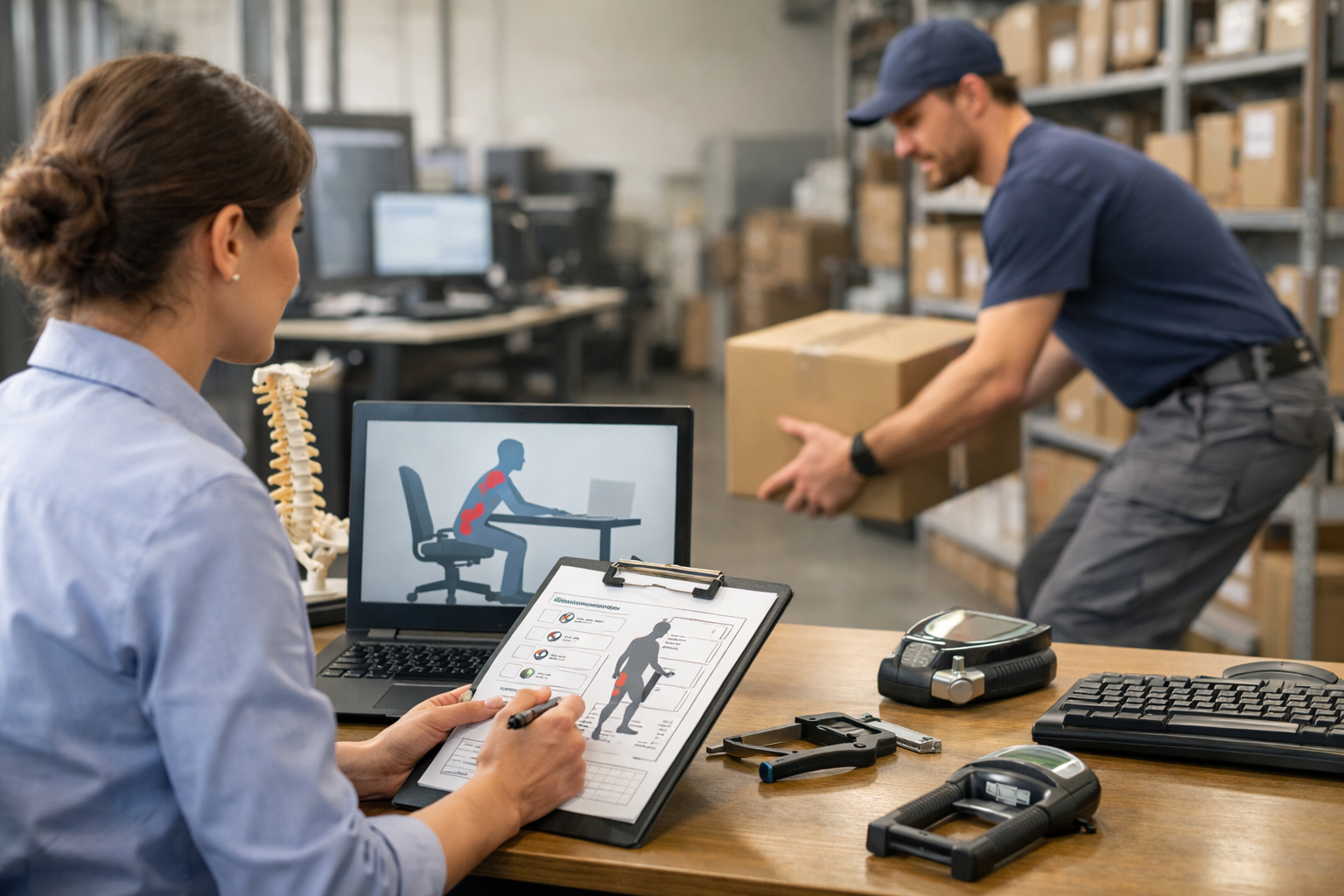
With the transition to work-from-home life, many people are facing problems in settling down. While your home may be a comfortable and cozy place to relax, it may not be designed keeping eight hours of work in mind.
With Ergobility, Ergonomic Consulting, and Assessment Services, San Francisco, CA, you can use our Virtual Ergonomic Evaluation Program and prevent workspace problems at home.
If you have decided to take this program, you will go through a sixty-minute consultation that will allow you to set up a comfortable workspace in your house.
How Can Virtual Ergonomic Evaluation Program Help?
Many people prefer to work at the dining table, and some prefer to use the kitchen counter or the couch when working. Whatever your choice is, we can work according to it.
Keeping your preference in mind, we can offer personalized solutions for you. With the proper setups, techniques, and equipment, we can help you mitigate ergonomic risks.
Five Steps for Your Ergonomic Evaluation
You will go through four steps to set up a Virtual Ergonomic Evaluation at Ergobility.
- You will be filling out a short questionnaire.
- You will have 45 minutes of video conferencing setup from your phone. We will be providing a link for it.
- During the conference, you will get personalized and practical recommendations for setting up workstations. The recommendations will also include your posture, equipment, and techniques.
- After the conference ends, you will get a summary of the recommended equipment and the links to purchase them.
Set up your work-at-home office correctly to improve your overall productivity, efficiency, and health.
Ergonomic Tips for Your Home Office
Here are some tips that can be used to improve your health, posture, and productivity when you are working from home.
Chair
- The chair should be low enough so that your feet lie flat on the ground.
- Your back should be against the backrest.
- Your armrest should be slightly below the elbow height to relax the shoulders.
Work Desk
- The work desk should come at the height of your elbow when sitting.
- If the desk is higher, you can put cushions or towels below yourself. This will give you some extra inches to your height and will make the distance better.
Mouse and Keyboard
- You can use an external mouse and keyboard and keep it on the front edge of the workdesk.
- Ensure that your arms are close to the body and your shoulders are relaxed.
- Make sure that your wrists and forearms are straight.
Placement of Monitor
- The monitor should be in the center straight line with your keyboard.
- The top of the display should be even with your eyes.
- People who wear a progressive or bifocal lens may need to lower their monitor screen.
Get Your Virtual Ergonomic Evaluation Now
Your work takes up around eight hours of your day. Make sure you are comfortable and safe during those long working hours to prevent any harm to your health—plan for a healthy and active future by taking care of yourself. Consult Ergobility, Ergonomic Consulting, and Assessment Services, San Francisco, CA, to make your work life more comfortable.