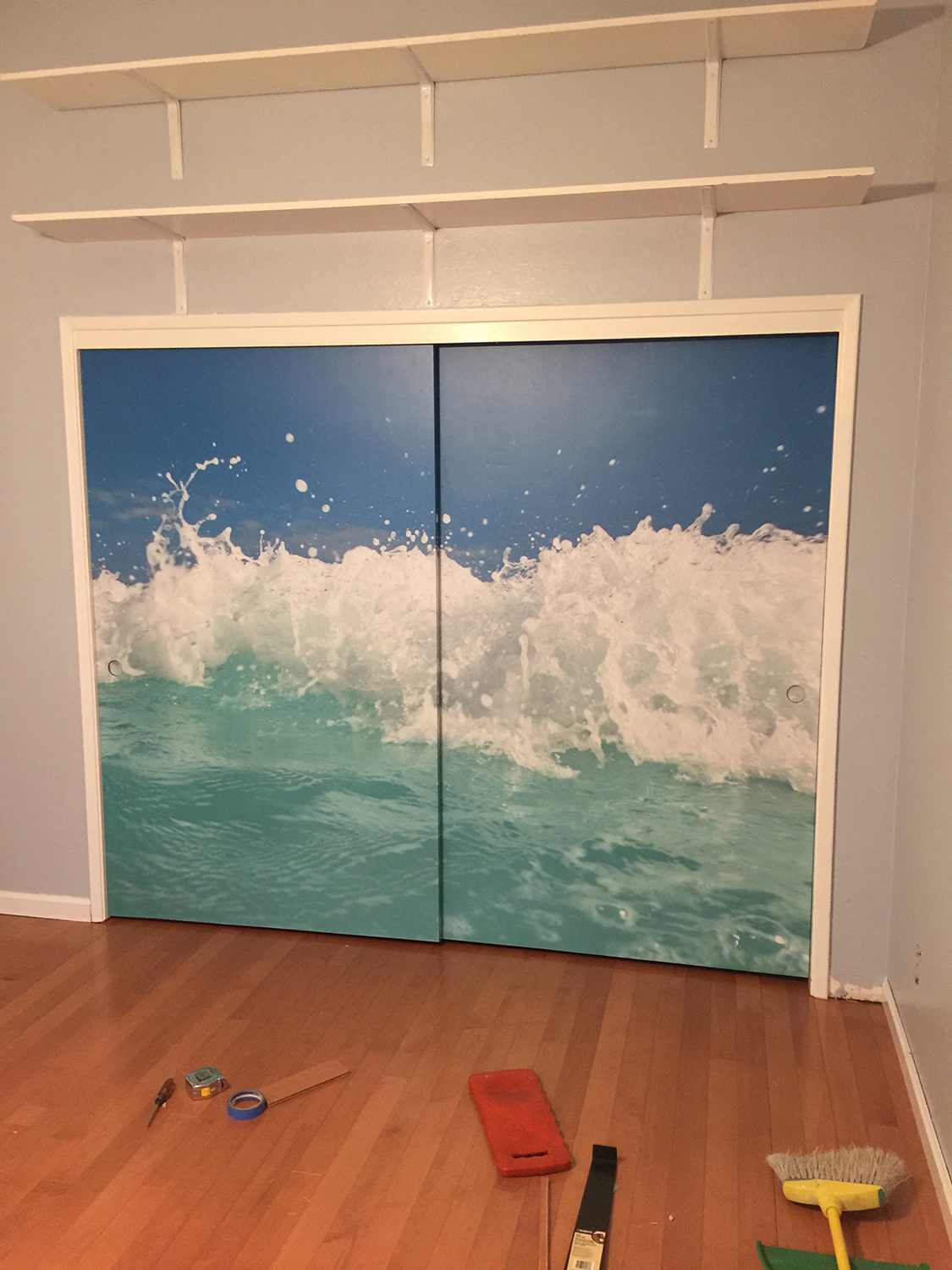
This is an example of what a high resolution print should look like.[/caption]
You may have noticed that Signature d’Sign is usually shown with another logo close by. That logo is Kgrafix, which is my graphic design and web design company. I started it in 1993. It began as a graphic design company, and then moved on to web design, and now includes some photography. I love to take pictures wherever I go, especially the ones of my furry friends. . . I’ve also added a seller’s site for everything you might need for your internet presence, such as domain names, web hosting, etc. Go to <Kgrafix.net>. So today's blog is written from the perspective of a graphic designer.
The question that gives most of our clients a problem, is; “what is a Vector file?” For sign making, especially vehicle wraps, we will always ask you for a vector file. It's important that you understand the difference between Vector and Raster files if you want to be able to discuss your needs with your designer.
This is an example of what a high resolution print should look like.[/caption]
You may have noticed that Signature d’Sign is usually shown with another logo close by. That logo is Kgrafix, which is my graphic design and web design company. I started it in 1993. It began as a graphic design company, and then moved on to web design, and now includes some photography. I love to take pictures wherever I go, especially the ones of my furry friends. . . I’ve also added a seller’s site for everything you might need for your internet presence, such as domain names, web hosting, etc. Go to <Kgrafix.net>. So today's blog is written from the perspective of a graphic designer.
The question that gives most of our clients a problem, is; “what is a Vector file?” For sign making, especially vehicle wraps, we will always ask you for a vector file. It's important that you understand the difference between Vector and Raster files if you want to be able to discuss your needs with your designer.
- Vector vs. Raster. In the world of digital images and design, there are two graphic formats: vector and raster. Vector graphics, (which are the preferred format for files that are not photographs), are made up of points, lines and curves (paths), containing colors, gradients and other editable effects. These files will have a .pdf, .ai, .Id, .eps after the file name. { side note: PDF files will only qualify if they are made as PDF, or .ai files. These are called “native” vectors.}
- Raster graphics or bitmap images (such as jpg, gif, png, ps), are the preferred format for photographs and are made up of thousands of squares of color, called pixels. In this group, a photographer would go one step further. The preferred format would be jpg, ps, tiff. . . . and not gif. Png and gif files are mostly used for web, and are much too small for anything else. Png can show a transparent background. Personally, I feel that gif files are mostly a waste of a file.
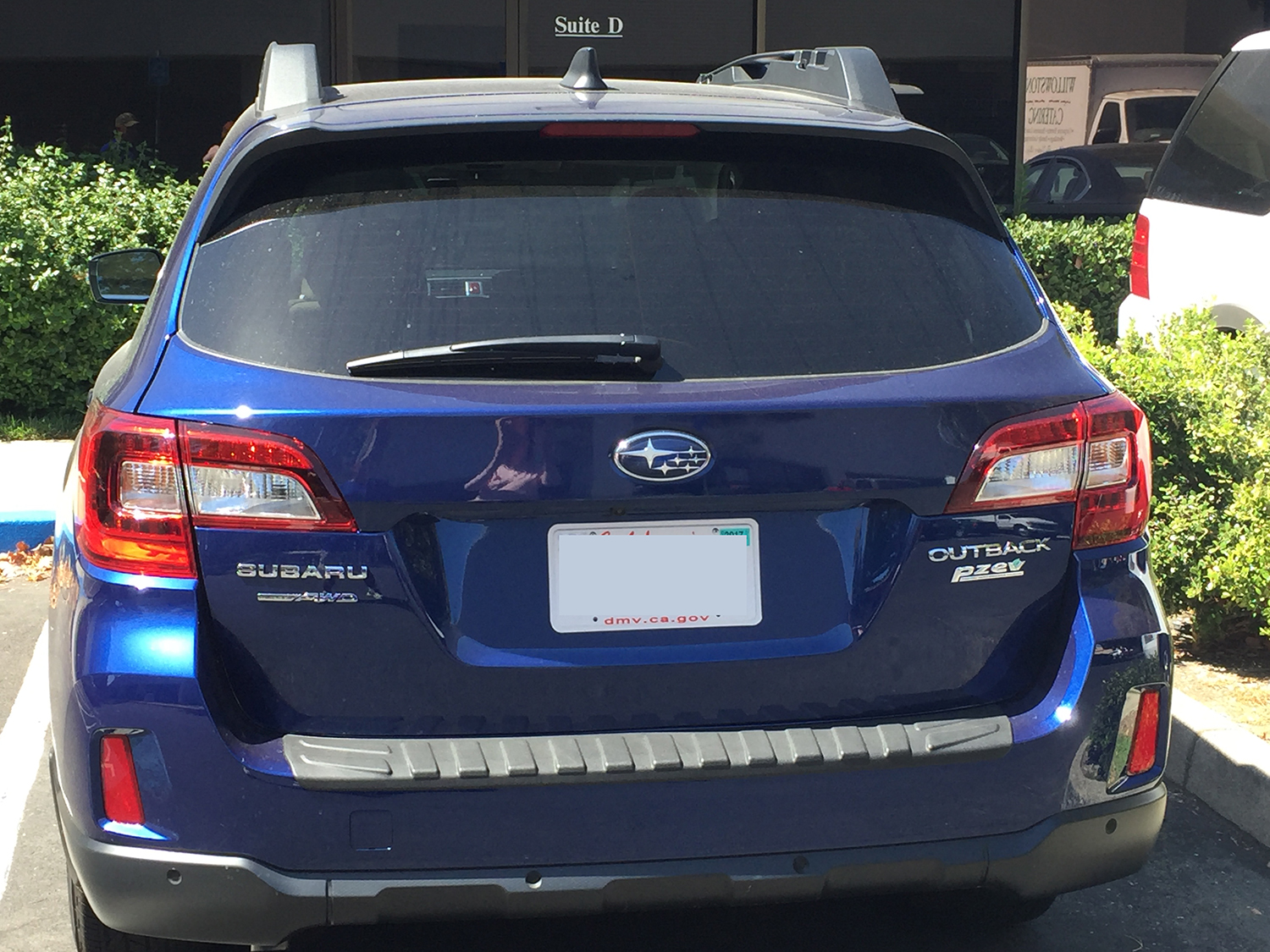
[caption id="attachment_339" align="alignleft" width="225"]
 This is a low res jpg from the internet which was added to a vehicle wrap. We rejected this file. Think of how it would look up close? Whether driving down the freeway, or parked next to a possible client, we want your vehicle to look great![/caption]
 - Vector Language. As far as your computer is concerned, the points and paths in vector graphics are nothing more than code written in a programming language called PostScript. This was an ancient, computer-based and created artwork displayed on the screen by manually typing this programming language into a text file. Adobe Illustrator software developed a simpler, graphical interface with on-screen drawing functionality and a palette of tools. As the artist develops the file, it is automatically a vector. A unique feature of this is referred to as "flattening", or "making outlines". When a drawing or font is flattened, it shows a line (path) around the image with multiple handles which can be used to alter the shape, color, etc. of the file. In the case of several objects, (like a word), the whole thing starts out grouped (stuck together), but can be “ungrouped” so that each part can be moved, removed, or reshaped. After altering, these can be selected together and “grouped” once again. The importance of doing this in the sign industry is that the path gives the plotter a cutting line to use when it cuts the names for your window graphics, phone number for your truck, etc. . . Without this, our production people would be cutting all of these items by hand. Not only would it cause our production people a great amount of trauma and anxiety, it would make all of these features so expensive that it would set our customer base back by about 90%.
[caption id="attachment_337" align="alignleft" width="224"]
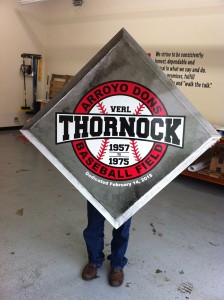 This is an example of how vector files will look. It doesn't matter if the viewer is 10 ft away, or 100 ft away. It always looks good![/caption]
 - More. . . The high-quality magnification offered by vector graphics has other helpful benefits. It supports the use of spot colors (PMS colors for instance), solid colors that can be calibrated to display and print consistently using most any printer which has been color profiled.
- Extras. 1. Be sure you ask your sign company if they use color profiling. This will insure that your colors will be the closest match possible. 2. Remember that each point of each shape of your vector file has a definite position on the X and Y axes. A vector graphic can also be rotated, moved, stretched and skewed. Support for transparency is a feature that makes your vector graphics overlap cleanly to eliminate unsightly backgrounds.


Lynn Koellermeier
Business Development & Design
Signature d'Sign, Inc
925 446 6477
Lynn@signaturedsign.com
Lynn@kgrafix.net
Kgrafix Design, web & graphic design
Owner/Designer
http://signaturedsigns.com